Can I Use a Gaming PC for Programming? Practical Guide & Top Prebuilts
Short answer: Yes. A gaming PC can be an excellent machine for programming, development, compiling, virtualization, and even light server work. This guide explains what matters for development workloads, how to choose/spec your machine, recommended prebuilt options that balance price and performance, and practical setup tips.
Table of Contents
When It Matters: Development Tasks and Hardware Needs
Not all programming tasks put the same demands on hardware. Match your hardware decisions to the type of development you do:
Light development (web front-end, scripting, small apps)
- CPU: Mid-range 6–8 core CPUs are fine.
- RAM: 16GB is usually adequate.
- Storage: Fast SSD (NVMe) for quick file I/O and IDE responsiveness.
Heavy development (large C++ projects, frequent builds, data science)
- CPU: More cores and higher single-thread perf help — 8+ cores recommended.
- RAM: 32GB or more if running large datasets or many containers.
- Storage: 1TB+ NVMe for speed and capacity.
Virtualization, containers, or running local servers
- CPU: Many cores; consider hyperthreading-friendly CPUs.
- RAM: 32–64GB depending on number of VMs/containers.
- Network: Wired gigabit or Wi‑Fi 6/7 for faster sync and remote testing.
Key Components to Focus On
Gaming PCs often prioritize GPU and cooling; for programming you want to evaluate these components:
CPU
For most dev workflows, CPU and single-thread performance matter. Compiling, build systems, and language servers benefit from faster cores and multiple threads.
RAM
RAM is one of the easiest upgrades; 16GB is entry-level for modern development, 32GB comfortable for heavier workloads.
Storage (SSD)
NVMe SSDs greatly improve OS and IDE responsiveness. Prioritize a fast NVMe drive for your OS and projects; add larger capacity drives for data or media.
GPU
Many programming tasks don’t need a high-end GPU. However, GPUs are useful for machine learning, GPU-accelerated builds, graphics programming, and running multiple high‑DPI monitors. A gaming GPU doesn’t hurt and is often included in prebuilt systems.
Ports & Expandability
- USB Type-C/USB-A for peripherals and phone debugging.
- Extra M.2 slots or SATA for future storage upgrades.
- Good network options (Ethernet + Wi‑Fi).
Recommended Configurations for Different Developers
Below are practical starting points you can match to a gaming PC.
Web Developer / Student
- CPU: Quad-core to 8-core
- RAM: 16GB
- Storage: 512GB NVMe
- Why: Fast IDE response, lightweight container use.
Full-Stack Developer / Mobile Dev
- CPU: 6–8 cores
- RAM: 16–32GB
- Storage: 1TB NVMe
- Why: Multiple services, emulators, and browsers open simultaneously.
Data Scientist / ML / Game Dev
- CPU: 8+ cores or high single-thread perf
- RAM: 32–64GB
- Storage: 2TB NVMe recommended
- GPU: Mid to high-end GPU for GPU training or rendering
Product recommendations
Affiliate disclosure: This article contains affiliate links. If you click a link and buy a product, I may earn a commission at no extra cost to you.
Below are gaming PCs that map well to programming use-cases. Each option is a prebuilt desktop with solid CPU/RAM/storage choices for dev work.
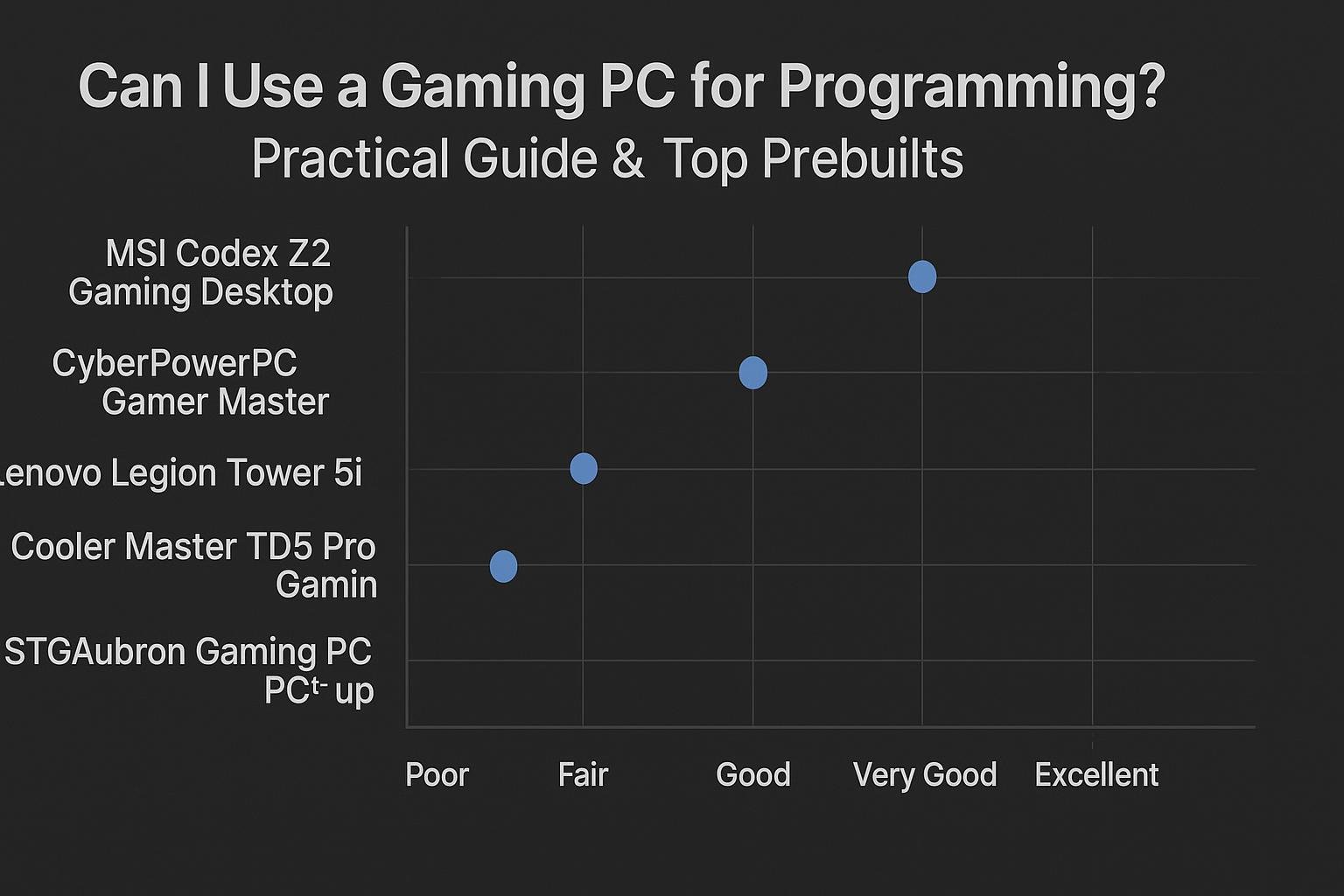
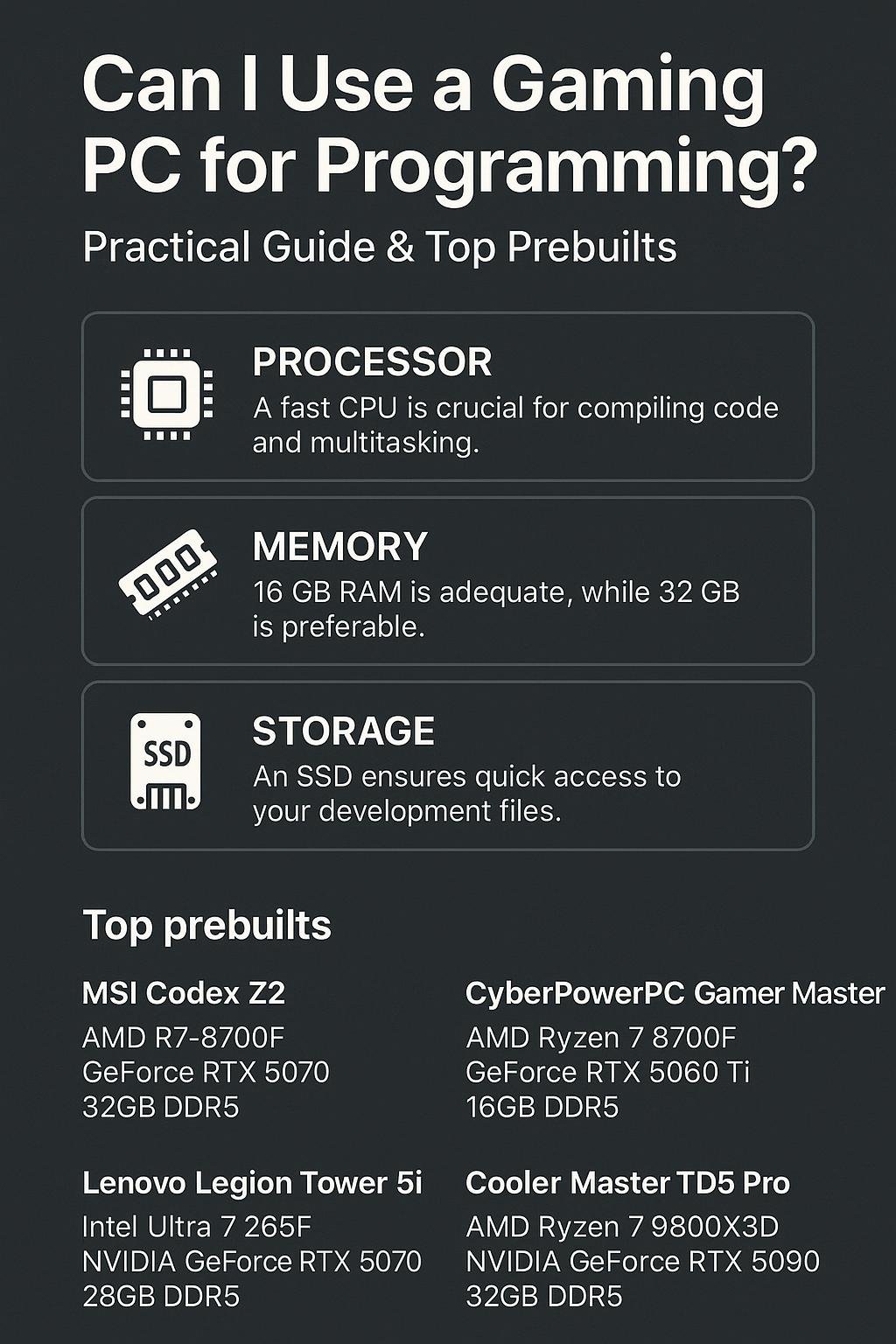
- MSI Codex Z2 Gaming Desktop — AMD R7-8700F, GeForce RTX 5070, 32GB DDR5, 2TB m.2 NVMe SSD, USB Type-C, VR-Ready, Windows 11 Home. Good balance for multitasking, virtualization, and fast storage. Buy on Amazon
- CyberPowerPC Gamer Master — AMD Ryzen 7 8700F 4.1GHz, GeForce RTX 5060 Ti 8GB, 16GB DDR5, 1TB PCIe 4.0 SSD, WiFi Ready & Windows 11 Home. A solid midrange option for developers who want strong CPU and fast SSD. Buy on Amazon
- Lenovo Legion Tower 5i Gen 10 Gaming Desktop (2026) — Intel Ultra 7 265F (20 Cores, 20 Threads), NVIDIA GeForce RTX 5070 12GB GDDR7, 32 GB DDR5 5600MHz, 2 TB PCIe SSD, Windows 11 Pro. Excellent for heavy compilation, virtualization, and data tasks. Buy on Amazon
- Cooler Master TD5 Pro Gaming PC — AMD RYZEN 7 9800X3D, NVIDIA GeForce RTX 5090 32GB, 32GB DDR5 6000MHz, 2TB Gen4 M.2, Windows 11, V Platinum 1100 V2 PSU. High-end option for demanding workloads. Buy on Amazon
Why these picks?
Each machine has strong CPUs, fast NVMe storage, and at least 16–32GB RAM — a good baseline for development. The Lenovo Legion Tower 5i Gen 10 is especially suitable if you run many VMs or large builds due to its high core count and 32GB RAM.
Comparison Table
| Model | CPU | RAM | Storage | GPU | Why good for programming |
|---|---|---|---|---|---|
| MSI Codex Z2 | AMD R7-8700F | 32GB DDR5 | 2TB m.2 NVMe | GeForce RTX 5070 | Great balance: plenty of RAM & fast storage for large projects |
| CyberPowerPC Gamer Master | AMD Ryzen 7 8700F 4.1GHz | 16GB DDR5 | 1TB PCIe 4.0 SSD | GeForce RTX 5060 Ti | Good midrange pick: strong CPU and fast NVMe at a lower price point |
| Lenovo Legion Tower 5i Gen 10 | Intel Ultra 7 265F (20 Cores, 20 Threads) | 32GB DDR5 5600MHz | 2TB PCIe SSD | NVIDIA GeForce RTX 5070 12GB GDDR7 | Excellent for heavy builds, many VMs, and parallel tasks |
| Cooler Master TD5 Pro | AMD RYZEN 7 9800X3D | 32GB DDR5 6000MHz | 2TB Gen4 M.2 | NVIDIA GeForce RTX 5090 | High-end: best for intense workloads, compiling, and ML experiments |
Setup Tips: Make a Gaming PC Developer-Friendly
1) Use an SSD for OS and projects
Install your OS and development tools on the NVMe drive for snappy IDE performance and fast file operations.
2) Increase RAM if needed
Upgrading to 32GB is one of the most cost-effective improvements if you use many containers, IDEs, and browser tabs.
3) Tweak power and thermal settings
Set Windows power options to high performance for faster builds, but ensure thermal management is adequate. Gaming PCs usually have good cooling, but check fan curves if you do long compile runs.
4) Use virtualization-friendly settings
Enable virtualization (VT-x/AMD-V) in BIOS if you plan to run VMs or Android emulators.
5) Multi-monitor & peripherals
- Use one high-res monitor for code and another for documentation/terminal/output.
- Consider a mechanical keyboard and ergonomic mouse for long coding sessions.
FAQs
1) Can a gaming GPU speed up programming tasks?
Yes — for GPU-accelerated tasks like machine learning, certain data processing pipelines, GPU-based rendering, or hardware-accelerated browser tasks, a gaming GPU helps. For plain backend or web programming, GPU impact is minimal.
2) Is Windows on a gaming PC okay for development?
Windows is fine for many languages and tools. If you need a Linux environment, use WSL2 (Windows Subsystem for Linux), dual-boot, or a VM. Official docs for tools like Visual Studio list system requirements; check vendor guidance for special cases (Microsoft Docs).
3) Should I buy a gaming PC or build my own dev workstation?
Prebuilts save time and often offer good warranties. If you need custom parts, full control, or lower cost per performance, building can be better. Prebuilts listed above are convenient for developers who prefer ready-to-go machines.
4) How much RAM do I actually need?
16GB handles most day-to-day development. Move to 32GB if you run multiple VMs, large datasets, or heavy IDE plug-ins. For data science or ML, 64GB may be warranted.
5) Will a gaming PC work well for web servers and local testing?
Yes. Gaming PCs have the CPU, RAM, and storage to run local servers, databases, and microservices for development and testing.
Conclusion
Gaming PCs are generally excellent for programming. They provide strong CPUs, capable GPUs (when needed), and fast NVMe storage — all helpful for development tasks. Match the machine to your workload: 16GB is fine for light dev, 32GB or more for heavier virtualization and data tasks. The prebuilt recommendations above give you options from midrange to high-end and include machines that are ready to handle serious development workloads out of the box.
If you want a balanced, dev-friendly prebuilt right now, consider the MSI Codex Z2 Gaming Desktop for its 32GB and 2TB NVMe setup, or the Lenovo Legion Tower 5i Gen 10 if you need many cores and lots of RAM for heavy builds. For a strong midrange pick, the CyberPowerPC Gamer Master balances performance and cost.
Choose the configuration that fits your workload and upgrade path — RAM and storage are the easiest upgrades later.
Visual Buying Guide