RTX 3090 PC: Ultimate Buying Guide, Performance, and Best Alternatives
The idea of an rtx 3090 pc still turns heads: flagship-level raster and ray-tracing performance, large VRAM for content creation, and elite 4K gaming framerates. Whether you already own an RTX 3090 or are weighing a purchase or upgrade, this post walks through real-world expectations, setup considerations, recommended prebuilt alternatives, and smart buying tips.
Table of Contents
- Buying Guide: Is an RTX 3090 PC Right for You?
- Performance Expectations: Gaming and Creative Work
- Build & Setup: Power, Cooling, and Drivers
- Product Recommendations (Prebuilts & Alternatives)
- Alternatives & Value Considerations
- Conclusion & Next Steps
- FAQs
Buying Guide: Is an RTX 3090 PC Right for You?
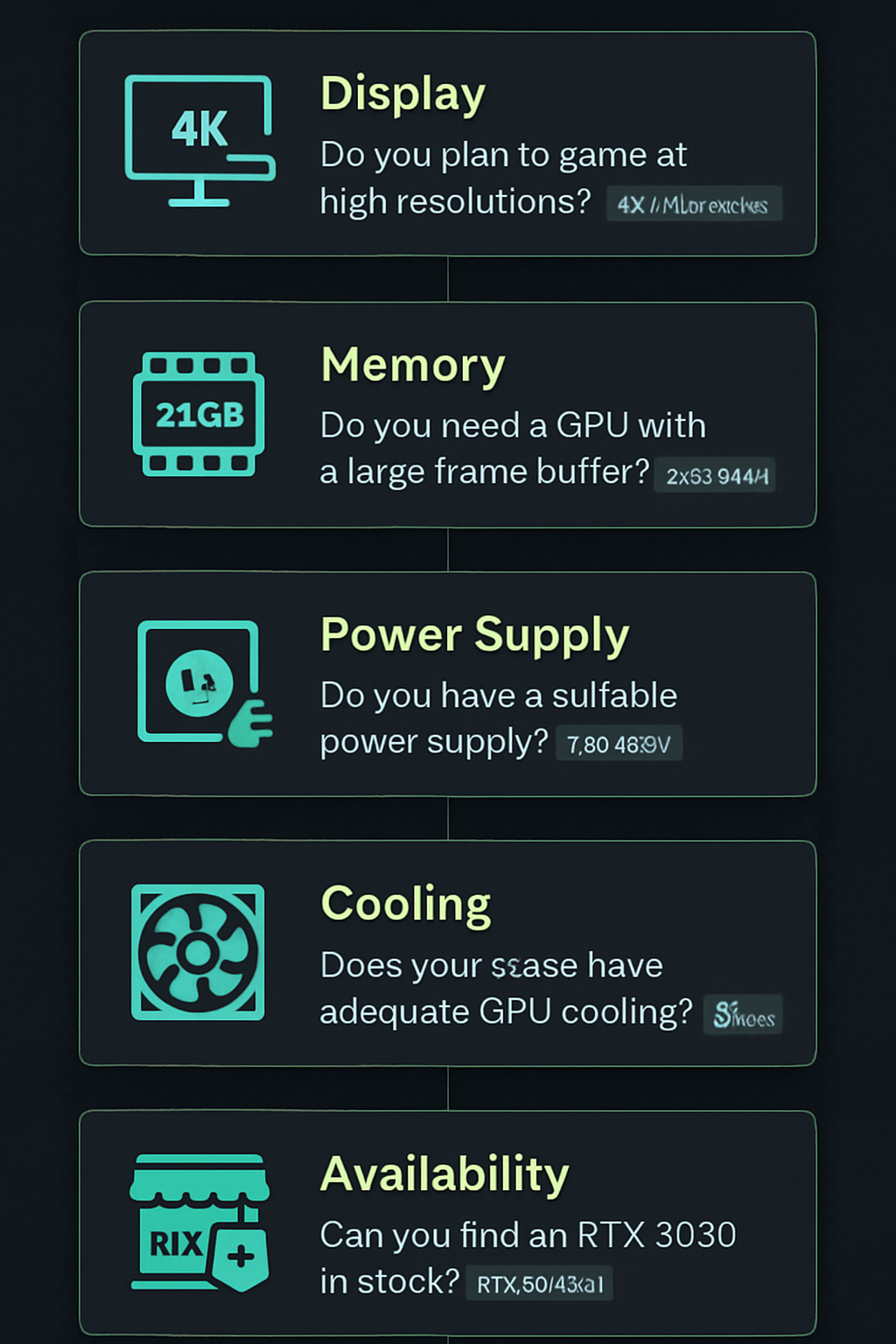
Before committing to an rtx 3090 pc, assess how you’ll use it. The RTX 3090 originally targeted extreme 4K gaming, multi-monitor setups, and GPU-heavy creative workloads that benefit from large VRAM (24GB on many models). Ask yourself:
- Do you game at 4K or use demanding ray-traced settings?
- Do you run GPU-accelerated editing, 3D rendering, or AI model work that needs large VRAM?
- Are you sensitive to power draw, heat, and noise in your environment?
If the answers point to high-resolution gaming or professional workflows that leverage VRAM, an RTX 3090 PC can still make sense. If you primarily play at 1080p or light 1440p gaming, newer or lower-tier GPUs may offer better price-to-performance.
Who should buy an RTX 3090 PC
- 4K gamers who want consistent high framerates at max settings.
- Content creators working with large textures, 3D scenes, or high-resolution video timelines.
- Users running GPU-heavy research or machine learning models that benefit from more VRAM.
Who should consider alternatives
- Budget-conscious gamers, or those at 1080p/1440p — most newer GPUs can match perceived performance at those resolutions for less cost or power.
- Users constrained by PSU capacity, case airflow, or noise limits.
Performance Expectations: Gaming and Creative Work
The RTX 3090 delivers top-tier rasterization performance and strong ray-tracing capability for its generation. In modern AAA titles at 4K, it often provides playable to high framerates at ultra settings; ray tracing with DLSS further boosts real-world performance in supported titles.
Gaming (4K and multi-monitor)
Expect excellent 4K results in many titles, especially when paired with NVIDIA technologies like DLSS. However, newer GPUs may offer similar or better raw performance and efficiency depending on the title and driver optimizations. For maximum longevity, the RTX 3090 remains a strong contender for high-resolution gaming setups.
Creative workloads and VRAM advantage
The large frame buffer makes an rtx 3090 pc attractive for video editors, 3D artists, and anyone dealing with heavy datasets. Applications that can utilize the full VRAM will often see smoother handling of large projects compared with GPUs with less memory.
For benchmark and driver-specific details, reference NVIDIA’s official product pages and reputable reviews to compare workload-specific results: NVIDIA RTX 3090 specs and general context on GPU generations at GeForce 30 series (Wikipedia).
Build & Setup: Power, Cooling, and Drivers
Running an RTX 3090 requires attention to system balance. A high-performance GPU can be bottlenecked by an underpowered CPU, limited RAM, slow storage, or inadequate cooling.
Power supply and connectors
- Ensure a quality PSU with sufficient wattage and the necessary PCIe power connectors. Many RTX 3090 systems recommend 750W–850W PSUs depending on the CPU and peripherals.
- Look for reputable PSU brands and certifications (80 PLUS Bronze/Gold or better).
Cooling and case airflow
- Large GPUs generate heat — prioritize cases with good airflow, adequate intake/exhaust, and room for GPU length.
- Consider a case with multiple fans or liquid cooling for high sustained loads like rendering.
Drivers and software
Keep NVIDIA drivers up to date, and use manufacturer-provided utilities for GPU fan curves, profiles, and driver rollback if needed. For stability in professional software, check vendor-recommended driver versions.
Product Recommendations
Affiliate disclosure: This post contains affiliate links. If you buy through these links, we may earn a commission at no extra cost to you.
Below are prebuilt systems you can consider if you’re shopping for a high-performance gaming or creative PC. I list reputable prebuilt options as alternatives to building or replacing an RTX 3090 PC — these use the exact product names provided and link to sellers.
| Product Name | Key Specs (as listed) | Best For | Approx. Price / Value Statement | Buy |
|---|---|---|---|---|
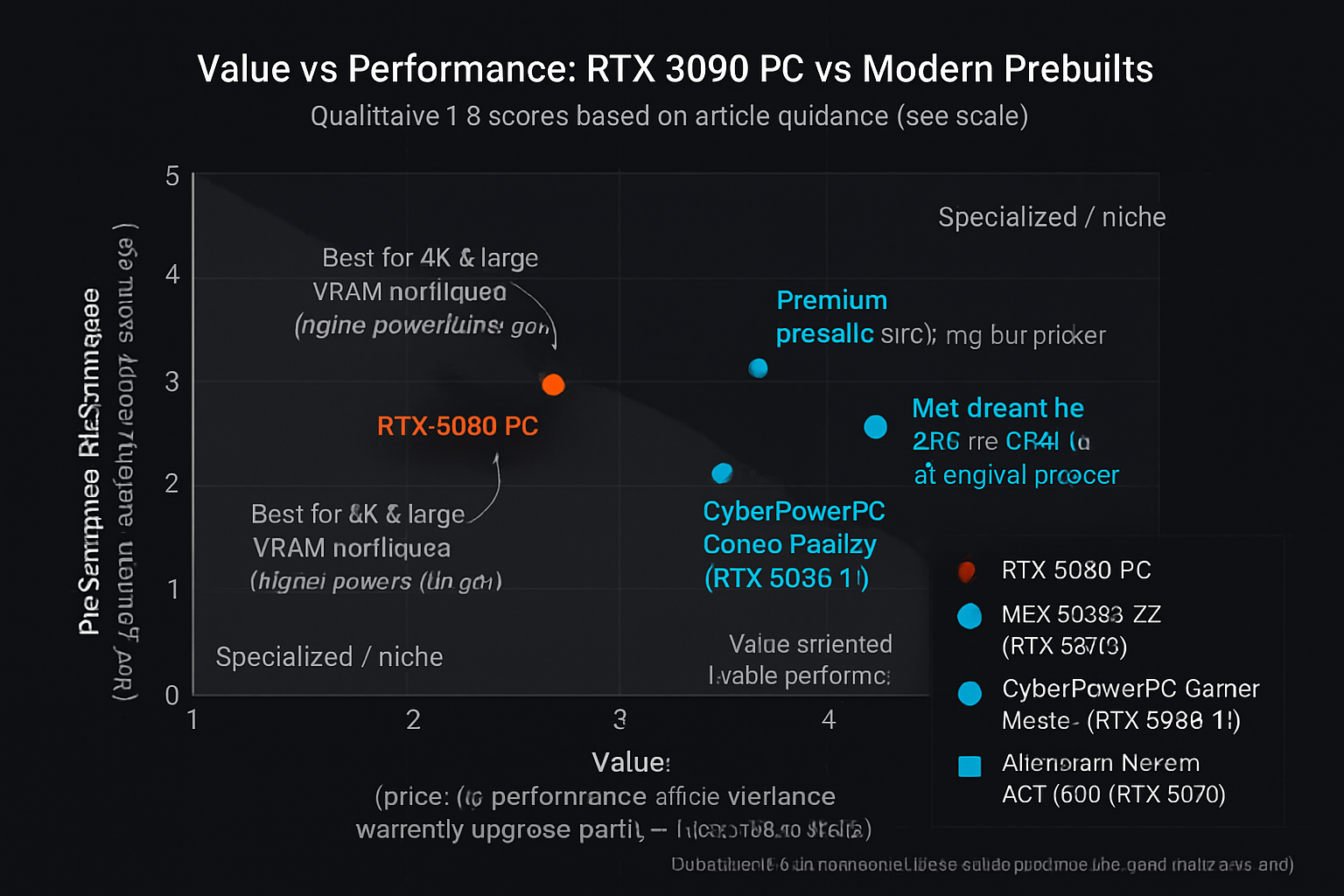
| MSI Codex Z2 Gaming Desktop | AMD R7-8700F, GeForce RTX 5070, 32GB DDR5, 2TB NVMe | High-refresh 1440p / entry 4K gaming & editing | High-end prebuilt value with modern GPU | Buy on Amazon |
| CyberPowerPC Gamer Master Gaming PC | AMD Ryzen 7 8700F, GeForce RTX 5060 Ti, 16GB DDR5, 1TB PCIe SSD | Solid 1440p gaming and streaming starter | Value-oriented modern alternative | Buy on Amazon |
| Alienware Aurora Gaming Desktop ACT1250 | Intel Ultra 7 265F, NVIDIA GeForce RTX 5070, 32GB DDR5, 1TB SSD | Premium brand prebuilt for high-end gaming | Premium prebuilt with modern CPU/GPU pairing | Buy on Amazon |
Notes on the table: products listed are modern prebuilt alternatives to consider if you want new-generation GPUs and similar or better efficiency than older RTX 3090-based systems. Use the Buy links to view full specs and current configurations.
How these alternatives compare to an RTX 3090 PC
- Newer RTX 50/60-series GPUs (as found in some prebuilts) often bring efficiency and performance improvements per watt compared with older 3090 cards.
- Prebuilts simplify setup and warranty handling, but building a custom RTX 3090 PC provides flexibility (exact GPU model, cooling, and case choices).
Additional recommended prebuilt options to browse:
- Lenovo Legion Tower 5i Gen 10 — modern tower with RTX 5070 options.
- Skytech Gaming King 95 Desktop PC — high-end config options with RTX 5070 Ti in some SKUs.
Alternatives & Value Considerations
If you’re considering an rtx 3090 pc primarily for gaming, evaluate these factors:
- Resolution target: 1440p and 1080p often don’t need a 3090 — newer mid- to high-tier GPUs can provide similar experience for less money.
- Power and thermal budget: newer GPUs may be more power efficient and quieter, improving long-term ownership costs.
- Resale and upgrade path: consider trade-in or resale value of a 3090 vs buying a current-generation prebuilt.
For content creators who need large VRAM, an RTX 3090’s buffer still matters. If the workload doesn’t fully utilize 24GB, modern high-memory options in newer series or workstation-class cards might be a better fit.
Conclusion & Next Steps
An rtx 3090 pc remains a powerful choice for 4K gaming and VRAM-heavy creative work, but it’s no longer the only path to top-tier performance. Evaluate your resolution targets, workloads, and sensitivity to power/noise before buying. If you want a turnkey solution with more efficient modern GPUs, consider the prebuilt alternatives listed above. If VRAM or raw rasterization at 4K is your priority and you find a good deal, an RTX 3090 system can still be a solid purchase.
Next steps:
- Decide your primary use-case (gaming resolution, content creation needs).
- Check PSU wattage and case compatibility before buying an RTX 3090 or a prebuilt alternative.
- Use the Buy links above to compare current prices and warranty options.
Frequently Asked Questions
Can an RTX 3090 PC run modern games at 4K?
Yes. An rtx 3090 pc typically runs modern AAA titles at 4K with high settings. Ray tracing may lower framerates, but technologies like DLSS can help restore playable performance.
Is an RTX 3090 worth it for streaming and content creation?
For creators working with very large assets or high-resolution timelines, the RTX 3090’s large VRAM is valuable. For general streaming and editing, newer GPUs with sufficient VRAM may offer similar day-to-day performance with improved efficiency.
Do I need to upgrade my PSU for an RTX 3090?
Often yes — check power recommendations for your exact GPU model and your CPU. Many systems with RTX 3090 GPUs recommend a quality 750W–850W PSU depending on other components.
Should I buy a prebuilt or build my own RTX 3090 PC?
Prebuilts provide convenience and warranty coverage for the system; building gives customization and potentially better value. Your comfort with building and warranty preferences will guide the choice.
Are there better value alternatives to an RTX 3090 PC today?
Yes. Some newer GPUs and prebuilt systems in the current generation can match or exceed RTX 3090 efficiency and performance for many users. Use the product recommendations above to explore modern prebuilt options.
External references: NVIDIA product information and historical context on the GeForce 30 series were used for technical reference and context: NVIDIA RTX 3090, GeForce 30 series (Wikipedia).
Visual Buying Guide