

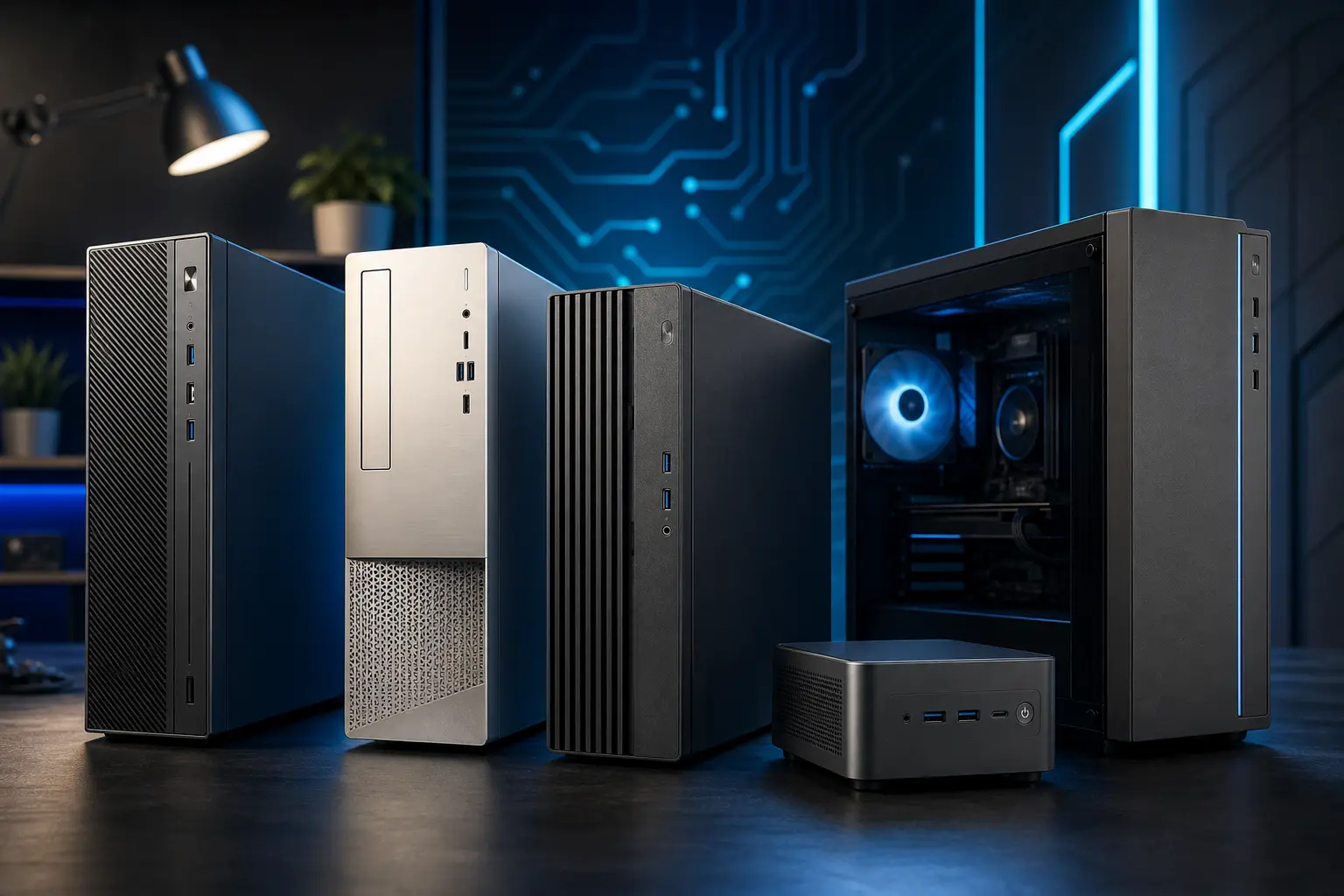
Why Buy a Budget Desktop PC in 2026?
Desktop PCs remain the smart choice for users who prioritize performance-per-dollar, upgradeability, and reliability. In 2026, budget desktop options have never been better. Modern budget PCs can handle productivity work, streaming, gaming, and content creation without breaking the bank.
Unlike budget laptops, affordable desktops don’t force you to live with limited upgrade paths or soldered components. You can swap out RAM, add storage, or upgrade your GPU down the road. This flexibility makes budget desktops ideal for students, home office workers, and casual gamers.
What Specs Matter Most in a Budget Desktop?
CPU (Processor)
For budget PCs under $600, look for Intel Core i5-13th gen or AMD Ryzen 5 5500. These processors handle multitasking, office work, and light gaming without bottlenecking. Avoid older Ryzen 3000 or Intel 10th-gen chips—performance gains in newer generations are substantial.
RAM (Memory)
8 GB is the bare minimum in 2026; 16 GB is ideal for multitasking and future-proofing. DDR4 is standard for budget builds; DDR5 is starting to appear in higher-end budget models. Make sure RAM is upgradeable—soldered RAM means you’re stuck with what you bought.
Storage
Every budget desktop should include an SSD, not an HDD. A 256 GB NVMe SSD is minimum; 512 GB is far better. Windows, modern software, and a few games will fill 256 GB quickly. Check if you can add a second drive later without major teardown.
GPU (Graphics Card)
Integrated graphics (Intel UHD, AMD Radeon) are fine for office work and streaming. For light gaming, look for a dedicated GTX 1650 or similar entry-level discrete GPU. Avoid models with only integrated graphics if gaming is a priority.
Top Budget Desktop PCs Under $600
Acer Aspire TC-1780 – $499
Specs: Intel Core i5-12400, 8GB DDR4, 512GB SSD, Integrated UHD Graphics
The Acer Aspire TC is a no-frills workhorse. It’s a straightforward, reliable system ideal for productivity, streaming, and light creative work. Case design is clean and accessible for upgrades. The 12th-gen Intel chip is aging slightly but still capable for most tasks. Biggest limitation: integrated graphics means no serious gaming without a GPU upgrade.
Best For: Office work, streaming, general browsing, home media server.
HP Pavilion TP01 – $549
Specs: AMD Ryzen 5 5500, 8GB DDR4, 256GB SSD, Radeon Graphics
HP’s Pavilion line punches above its weight price-wise. The Ryzen 5500 is slightly older but still strong for productivity. The main drawback here is the smaller 256GB SSD — you’ll want to upgrade storage early. Case is reasonably upgradeable, though not as toolless as higher-end models.
Best For: Budget-conscious buyers, productivity-first use.
Lenovo IdeaCentre 3 – $459
Specs: Intel Core i5-13400F, 8GB DDR4, 256GB SSD
Lenovo’s IdeaCentre 3 offers solid Intel performance in a compact form factor. The 13th-gen processor is contemporary and performs well. The “F” variant lacks integrated graphics, so you’ll need a dedicated GPU for any gaming — though discrete cards are more upgradeable anyway. Great value if you plan to add a GPU later.
Best For: Upgraders planning a GPU addition, office work.
Beelink SER7 Pro – $399
Specs: AMD Ryzen 7 5700U, 16GB DDR4, 512GB SSD, Integrated Radeon
The Beelink SER7 Pro is a mini PC that offers exceptional value. It comes with 16GB RAM and 512GB storage standard — rare at this price point. The Ryzen 7 5700U is a mobile chip but performs admirably in this compact package. Not suitable for gaming, but excellent for productivity and media consumption.
Best For: Desk space constraints, media centers, office workers wanting 16GB RAM.
Custom Built PC – $500–$600
Building your own PC under $600 is entirely feasible in 2026. A possible configuration: AMD Ryzen 5 5500, B550 motherboard, 16GB DDR4, 512GB SSD, and a budget case + PSU. You’ll get better specs and full control over component quality. Requires research, assembly time, and some troubleshooting skills.
Best For: Technical users, upgraders, gamers wanting best value.
Which Budget Desktop PCs to Avoid
Avoid older processor generations: Any desktop with a 10th-gen Intel or Ryzen 3000 CPU is outdated. Performance improvements in newer generations are significant — you’ll feel the difference daily.
Avoid HDD-only storage: HDDs are slow and unreliable compared to SSDs. Windows boots in 5 seconds on SSD vs. 30+ on HDD. Skip any pre-built still using a hard drive as primary storage.
Avoid non-upgradeable models: Some budget prebuilts use proprietary cases or soldered components. Look for systems with standard ATX layouts and available RAM/storage slots.
Tips for Upgrading Budget Desktops
Add More RAM
DDR4 RAM is cheap in 2026. Adding another 8GB stick costs $30–50 and dramatically improves multitasking. Check your motherboard’s max capacity before buying.
Upgrade Storage
Add a second M.2 NVMe SSD for games or media. Installation requires no cables — just insert into the motherboard slot and secure. 512GB drives cost $40–60.
Add a GPU
A GTX 1650 or RX 6500 XT ($150–200) turns any budget desktop into a capable 1080p gaming machine. Check your PSU has PCIe power connectors before buying.
FAQs About Budget Desktop PCs
Is 8GB RAM enough in 2026?
For basic productivity, streaming, and light gaming: yes. For heavy multitasking or content creation: no — upgrade to 16GB. 32GB is overkill for most users.
Can I use a budget desktop for gaming?
Integrated graphics can handle older games (Valorant, League of Legends) at 60+ FPS. For newer AAA titles, add a discrete GPU ($150+). Your budget desktop can rival mid-range gaming systems with smart upgrades.
How long will a $500 desktop last?
A quality budget desktop handles productivity and general use for 5–7 years. Upgrading RAM and storage at year 2–3 extends lifespan significantly.
Related Resources
For a compact alternative, read our guide to the best mini PCs of 2026. If you’re deciding between RAM and storage, check out our breakdown of RAM vs storage explained. And if your desktop starts slowing down, our article on how to speed up a slow computer has proven optimization techniques.
Conclusion
Budget desktop PCs in 2026 represent exceptional value. The Acer Aspire TC, HP Pavilion, Lenovo IdeaCentre, and Beelink SER7 Pro all offer solid foundations for under $600. The key is matching your use case to the right specs, then planning upgrades as your needs evolve. Whether you prioritize storage, RAM, or processor performance, there’s a best budget desktop PC 2026 option that fits your wallet.