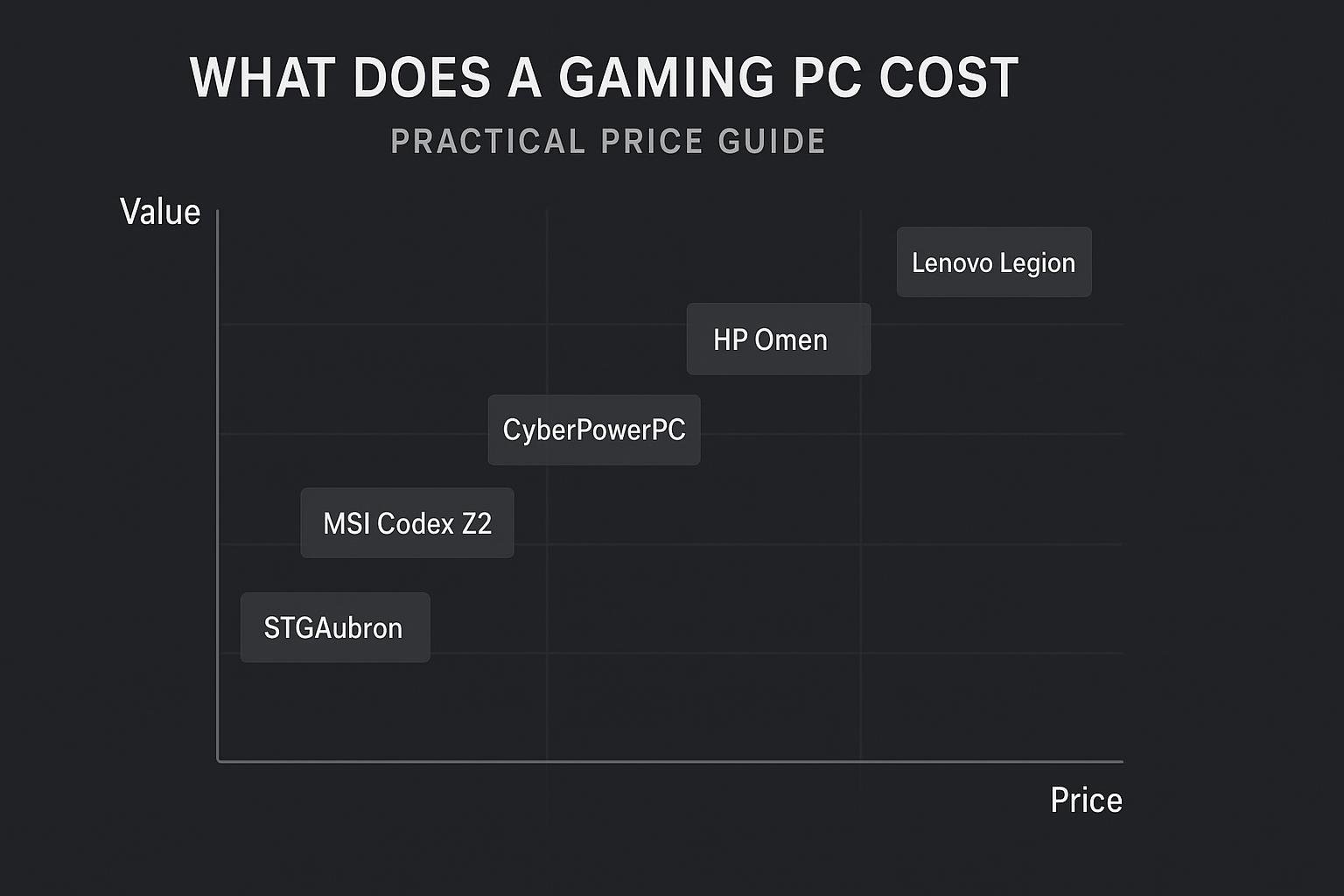
What Does a Gaming PC Cost: Practical Price Guide
Intro: If you’re asking “what does a gaming PC cost,” you’re not alone. Prices vary widely depending on performance, components, and whether you buy prebuilt or build your own. This guide breaks down realistic price ranges, what to expect at each level, how to prioritize components, and offers specific prebuilt recommendations you can buy today.
Price breakdown: budget, midrange, high-end, and enthusiast
To answer “what does a gaming PC cost” in useful terms, think in tiers. Each tier targets different frame rates, resolution, and longevity.
Budget (entry-level)
Budget gaming PCs are intended for 1080p gaming at medium settings or esports titles at higher frame rates. Expect limited upgrade headroom but reasonable value.
Midrange
Midrange systems target solid 1080p at high/ultra or 1440p gaming. These strike the best balance between cost and performance for most gamers.
High-end
High-end rigs are for 1440p high-refresh or 4K gaming at respectable settings. These systems use more powerful GPUs and CPUs and offer longer relevance.
Enthusiast
Enthusiast systems push the latest GPUs, high core-count CPUs, fast RAM, and large SSDs. Expect premium prices and top-tier parts.
What you get at each price tier
Below is a practical checklist of components and expected capabilities by tier. Use this to map price to real-world gaming experience.
Core components to evaluate
- Graphics card (GPU): biggest impact on gaming performance
- CPU: important for CPU-heavy games and multitasking
- RAM: affects multitasking and game stability—16GB is a modern baseline
- Storage: NVMe SSDs reduce load times and improve system responsiveness
- Power supply and cooling: quality matters for stability and upgrades
Budget systems: practical strengths and limits
- Good for 1080p gaming at medium/high settings in many titles
- Often use older or entry-level GPUs and 8–16GB RAM
- Lower cost, limited future-proofing
Midrange systems: best value
- Comfortable for 1080p high-refresh and solid 1440p play
- Commonly include 16–32GB RAM, NVMe SSDs, and recent GPUs
- Good balance of cost, performance, and upgradeability
High-end and enthusiast: when to spend more
- Target these if you want 1440p high refresh rates or 4K gaming
- Includes larger SSDs, faster RAM, and high-wattage PSUs
- Expect premium pricing but longer useful life
How to choose the right system for you
Answer these questions to narrow costs and get the right machine:
- What resolution and frame rate do you want? (1080p 60fps vs 1440p 144Hz vs 4K)
- Do you value silence, compact size, or upgradability?
- Will you stream or record gameplay? (Requires higher CPU/RAM)
- Do you prefer a prebuilt system or building your own?
Prebuilt vs. DIY
Buying prebuilt saves time and may include warranties—good if you want a ready system without troubleshooting. DIY can be cheaper or more customizable but requires research and assembly time.
Affiliate disclosure and product recommendations
Affiliate disclosure: This post contains affiliate links. If you buy through these links I may earn a commission at no extra cost to you. I only recommend systems that match the specs and value discussed above.
Recommended ready-made systems
Below are practical picks across tiers. Each link opens the retailer page so you can check current pricing and availability.
- MSI Codex Z2 Gaming Desktop — AMD R7-8700F, GeForce RTX 5070, 32GB DDR5, 2TB M.2 NVMe SSD, USB Type-C, VR-Ready, Windows 11 Home. A strong mid-to-high option for 1440p gaming and streaming: Buy the MSI Codex Z2 on Amazon.
- CyberPowerPC Gamer Master (GMA2900A3) — AMD Ryzen 7 8700F 4.1GHz, GeForce RTX 5060 Ti 8GB, 16GB DDR5, 1TB PCIe 4.0 SSD, WiFi Ready & Windows 11 Home. Good midrange choice for high-refresh 1080p and 1440p: Buy the CyberPowerPC Gamer Master on Amazon.
- HP OMEN 17.3 RTX 5070 AI Gaming Laptop — 17.3″ FHD 144Hz, AMD Ryzen AI 9 365, 32GB DDR5 RAM, 1TB SSD, RGB KB, Windows 11 Pro. Great portable high-performance laptop option: Buy the HP OMEN 17.3 on Amazon.
- Lenovo Legion Tower 5i Gen 10 (2026) — Intel Ultra 7 265F (20 cores, 20 threads), NVIDIA GeForce RTX 5070 12GB GDDR7, 32GB DDR5 5600MHz, 2TB PCIe SSD, Windows 11 Pro. A top desktop pick for serious 1440p/4K gaming and content work: Buy the Lenovo Legion Tower 5i on Amazon.
Why these picks?
Each of these systems matches the tiers outlined earlier and represents balance between price, performance, and warranty support. Links above go directly to the product pages so you can compare current pricing and configuration options.
Comparison table
| Model | Key specs | Best for | Buy link |
|---|---|---|---|
| MSI Codex Z2 | AMD R7-8700F, RTX 5070, 32GB DDR5, 2TB NVMe, Win11 | 1440p gaming, streaming | MSI Codex Z2 |
| CyberPowerPC Gamer Master (GMA2900A3) | Ryzen 7 8700F, RTX 5060 Ti 8GB, 16GB DDR5, 1TB PCIe4 | High-refresh 1080p / entry 1440p | CyberPowerPC Gamer Master |
| HP OMEN 17.3 | Ryzen AI 9 365, RTX 5070, 32GB DDR5, 1TB SSD, 17.3″ 144Hz | High-performance laptop gaming & portability | HP OMEN 17.3 |
| Lenovo Legion Tower 5i | Intel Ultra 7 265F, RTX 5070 12GB, 32GB DDR5, 2TB PCIe SSD | Content creation + high-res gaming | Lenovo Legion Tower 5i |
FAQs
1. How much should I spend on a gaming PC?
Spend based on the resolution and frame rate you want: entry-level for basic 1080p, midrange for high-refresh 1080p or 1440p, and high-end for 1440p/4K. Consider whether you want a prebuilt warranty or plan to upgrade later.
2. Is buying a prebuilt gaming PC worth it?
Prebuilts are worth it if you prefer convenience, warranty support, and a ready-to-go system. They can cost a bit more than self-built rigs but save time and troubleshooting.
3. Do I need a powerful CPU for gaming?
Most modern games rely heavily on the GPU. However, CPU choice matters for CPU-intensive games, streaming, and multitasking. Balance CPU and GPU according to the games you play.
4. How future-proof is a midrange gaming PC?
A good midrange PC with 16–32GB RAM and an NVMe SSD should be useful for several years for most titles, especially if the case and power supply allow future GPU/CPU upgrades.
5. Should I prioritize GPU or CPU when budgeting?
Prioritize GPU for gaming performance. Once the GPU is adequate for your target resolution, invest in a decent CPU and enough RAM to avoid bottlenecks.
6. Are laptops a viable alternative to desktops for gaming?
Gaming laptops like the HP OMEN 17.3 provide mobility with strong hardware but can cost more than desktops for the same performance level and have limited upgradeability.
Conclusion
So, what does a gaming PC cost? It depends on the performance and longevity you want. Budget systems work fine for 1080p, midrange offers the best balance of price and performance, and high-end/enthusiast rigs deliver top settings at higher resolutions. If you want a safe starting place, consider the recommended prebuilt models above and use the comparison table to match a system to your priorities. Check current prices on the linked product pages to find the best deal for your needs.
Final tip: If you want the best value, pick a system that meets your target resolution and frame rate today while leaving room to upgrade the GPU or add more RAM later.
Visual Buying Guide