Can I Put My Gaming PC on the Floor? Practical Guide, Risks, and Smart Solutions
Putting your gaming PC on the floor is a common choice — but is it the right one? This guide explains the pros and cons, when floor placement is acceptable, how to minimize risk, and several prebuilt PCs that work well for different setups. Read on for practical, actionable advice so you can decide with confidence.
Table of Contents
- Is it okay to put a gaming PC on the floor?
- Major risks of floor placement
- When it’s acceptable and how to do it right
- Affiliate disclosure & product recommendations
- Comparison table
- Practical setup and maintenance tips
- Conclusion
- FAQs
Is it okay to put a gaming PC on the floor?
Short answer: yes, you can put a gaming PC on the floor, but there are trade-offs. Floor placement is convenient and frees up desk space, yet it exposes your computer to increased dust, potential airflow restrictions, accidental knocks, and changes in thermal behavior. Whether it’s a good idea depends on the type of floor, how often you clean, and what precautions you take.
Major risks of floor placement
Dust accumulation
Dust is the biggest floor-related enemy. When the case sits on or near the floor, it draws in more dust through intake fans. Dust builds up on heatsinks, fans, and filters, reducing cooling performance and potentially causing higher component temperatures over time.
Restricted airflow and temperature effects
Depending on case design and intake locations, placing a PC directly on the floor can interfere with airflow. Carpeted floors add extra issues because fibers block vents and raise the intake temperature compared to hard floors.
Physical damage and spills
On the floor a PC is more exposed to kicks, accidental spills, pets, and curious children. Even minor contact can dislodge cables or cosmetic elements, while spills are more likely if drinks are on a low surface nearby.
Vibration and noise
Floors, especially hard floors, transmit vibrations from fans, drives, and pump units. That can increase audible noise in some setups. Conversely, carpet may damp vibration but causes the other issues listed above.
Static and environmental risks
Static discharge risk is low for modern cases if handled correctly, but placing a case near windows or heat sources can expose it to humidity swings or sunlight that affect longevity.
When it’s acceptable and how to do it right
Placing a gaming PC on the floor can be perfectly fine if you use a few simple precautions. Follow these practical steps to reduce risk and keep temperatures and noise under control.
Best floor types and placement
- Hard floors (wood, tile, laminate): generally better than carpet because they don’t block vents and are easier to keep clean.
- If you must use carpet, raise the PC on a platform to clear intake vents.
- Avoid direct sunlight, heaters, and damp areas.
Elevate the case
Raise the chassis 1–2 inches using rubber feet, a small platform, or a stand to improve intake airflow and reduce carpet contact. Elevation helps cooling and keeps the bottom filter accessible for cleaning.
Use dust filters and a cleaning schedule
- Keep intake fans covered with dust filters; many prebuilt cases have them already.
- Set a cleaning routine: a quick vacuum around the PC and compressed-air dusting of filters every 1–3 months depending on your environment.
Cable management and protection
Use cable ties and route cables so they’re not a trip hazard. If your PC is on the floor in a high-traffic area, consider a small cord cover or routing closer to the wall.
Temperature and fan tuning
Install monitoring software to watch CPU and GPU temps. If you see higher temperatures after floor placement, increase fan curves slightly or improve case ventilation by swapping side panels or adding intake/exhaust fans.
Affiliate disclosure & product recommendations
Affiliate disclosure: I use affiliate links below. If you buy through these links I may earn a small commission at no extra cost to you. I recommend these prebuilt PCs because they offer solid cooling, accessible filters, and varied price points for different floor-placement setups.
Recommended picks (good for floor placement with proper precautions)
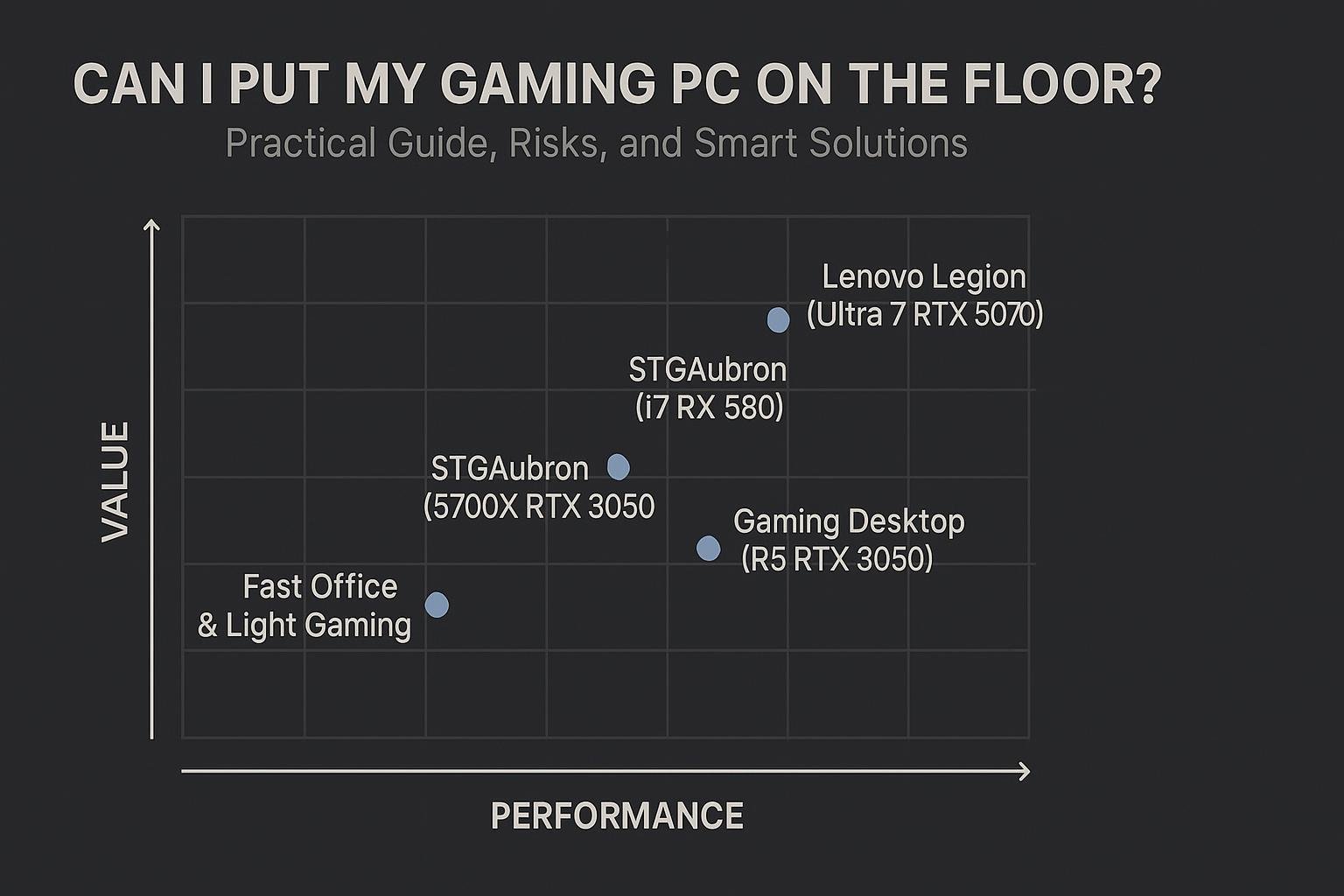
- STGAubron Gaming PC Desktop Computer, Intel Core i7 up to 3.9GHz, Radeon RX 580 8G, 16G RAM, 512G SSD — A strong midrange pick for budget-conscious gamers.
- STGAubron Gaming PC Desktop Computer, AMD Ryzen 7 5700X up to 4.6G, GeForce RTX 3050 6G, 16GB DDR4, 1TB SSD — A balance of CPU power and modern GPU for good thermals when paired with elevated placement.
- Gaming Desktop PC – GeForce RTX 3050 8GB, Ryzen 5 5500, 16GB DDR4 RAM, 512GB NVMe SSD — Compact and suitable when desk space is limited; follow elevation and filter cleaning guidance.
- KOTIN Prebuilt Gaming PC Desktop Computer, Ryzen 5 9600X, GeForce RTX 5060 8GB, 16GB DDR5 6000MHz — A higher-end option with modern components that benefit from good airflow practices.
Comparison table
| Model | Key highlights | Best for | Buy |
|---|---|---|---|
| STGAubron (Intel i7, RX 580) | Intel Core i7 up to 3.9GHz, Radeon RX 580 8G, 16G RAM, 512G SSD | Budget-midrange gaming; those who clean regularly | Buy on Amazon |
| STGAubron (Ryzen 7 5700X) | AMD Ryzen 7 5700X up to 4.6G, GeForce RTX 3050 6G, 16GB, 1TB SSD | Balanced performance and storage; good thermal headroom | Buy on Amazon |
| Gaming Desktop (RTX 3050, Ryzen 5 5500) | GeForce RTX 3050 8GB, Ryzen 5 5500, 16GB, 512GB NVMe | Compact builds for streaming and editing | Buy on Amazon |
| KOTIN (Ryzen 5 9600X, RTX 5060) | Ryzen 5 9600X, GeForce RTX 5060 8GB, 16GB DDR5, 1TB PCIe 4.0 SSD | Higher-end gaming with upgraded components | Buy on Amazon |
Practical setup and maintenance tips
Quick fixes that make floor placement safer
- Use small rubber feet, a wooden board, or a PC stand to elevate the case 1–2 inches.
- Position the PC so intakes face clear space, not a wall or heap of cables.
- Keep drinks and food away from floor-level PC locations to avoid spills.
Cleaning and maintenance checklist
- Inspect dust filters monthly in dusty environments; otherwise every 2–3 months.
- Use compressed air or a soft brush to remove dust from fans and heatsinks.
- Vacuum around the PC base (not inside the case) to reduce dust sources.
Monitoring and upgrades to consider
- Install temperature monitoring software and set alerts for sustained high temps.
- Consider additional intake or exhaust fans if temps rise after floor placement.
- Swap to an SSD (if you still have spinning drives) to reduce vibration and heat inside the case.
Conclusion
Yes, you can put a gaming PC on the floor, but it’s not always the best spot. The biggest concerns are dust, airflow restriction (especially on carpet), and accidental knocks or spills. With a few practical precautions — elevate the case, use filters, keep a cleaning schedule, and monitor temperatures — floor placement can be perfectly reasonable and convenient. If you want a hassle-free solution, consider one of the recommended prebuilt PCs above and follow the setup tips to keep performance and longevity high.
Frequently Asked Questions (FAQs)
1. Is carpet bad for a gaming PC on the floor?
Carpet is not ideal because it blocks bottom intakes and increases dust. If you must place a PC on carpet, elevate it with a platform or stand and check filters more often.
2. How often should I clean my PC if it sits on the floor?
In dusty environments, check filters monthly and deep-clean every 1–3 months. In cleaner rooms, a 2–3 month schedule is usually sufficient.
3. Will floor placement make my PC louder?
Possibly. Hard floors can reflect vibration, making noise more noticeable. Properly tightening components, adding rubber feet, or using a carpeted pad can change vibration characteristics.
4. Does elevation really help?
Yes. Elevating the case improves intake airflow, reduces carpet contact, and makes cleaning easier. Simple skates or rubber feet can deliver meaningful benefits.
5. What’s the safest floor position for a gaming PC?
Place the PC on a hard, level surface near a wall with space in front of intake vents. Avoid doorways and high-traffic areas. Keep it elevated and out of direct sunlight or heat sources.
6. Are there cases designed for floor placement?
Many modern cases include bottom dust filters, elevated feet, and well-placed intakes that make floor placement more feasible. When buying a new case, look for removable filters, good cable management, and multiple intake/exhaust options.
If you want a compact, ready-to-run option that works well with careful floor placement, consider the models linked above. Each link uses an affiliate URL; buying through them supports this site at no extra cost to you.
Visual Buying Guide